


The AI Spaghetti Code Crisis: Managing the Mess Copilot Makes

Updated: Dec 10, 2025

The "Copy-Paste" Epidemic
In 2024, we celebrated the speed. "I built this app in a weekend!" was the flex of the year. Tools like GitHub Copilot, Cursor, and ChatGPT allowed a solo developer to output the code volume of a five-person team.
But in 2025, the hangover has arrived. We are witnessing the rise of "AI Spaghetti Code." It is a new breed of technical debt that is harder to detect than human error.
Unlike human spaghetti code, which is usually just messy logic, AI spaghetti code is syntactically perfect, confident, and heavily commented. But it is also bloated, repetitive, and hallucinatory.
We have entered the era of "Vibe Coding," where developers accept code because it looks right, without understanding how it fits into the larger system. And it is killing long-term maintainability.
The Anatomy of AI Spaghetti
To fix the mess, you have to recognize it. AI code has a specific "fingerprint" that seasoned senior engineers are starting to spot from a mile away.
1. The "By-the-Book" Bloat
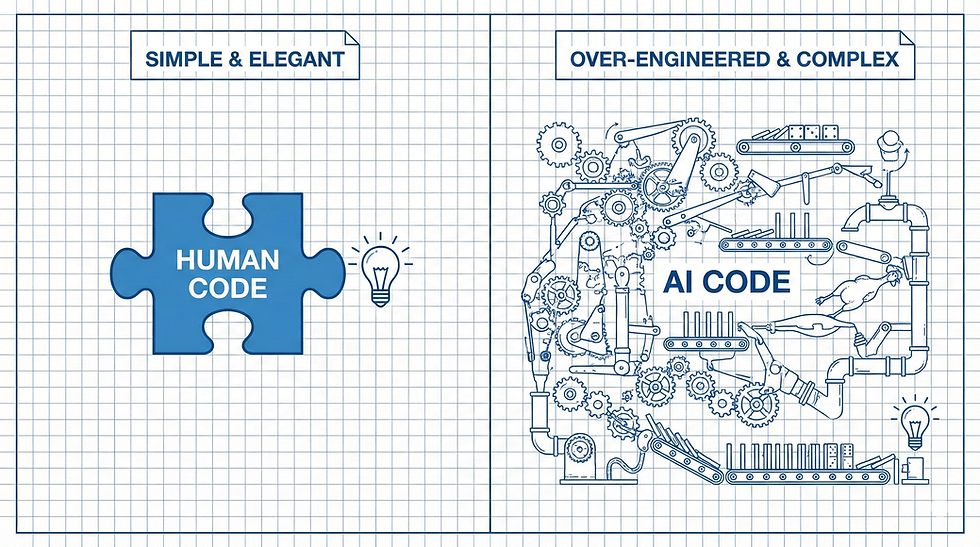
AI models are trained on tutorials. Tutorials love to be verbose.
The Symptom: You ask for a simple API endpoint, and Copilot generates a 200-line file with a Controller, a Service, a Repository, and an Interface, for a "Hello World" function.
The Cost: Your codebase grows by 40% more than necessary, making it a nightmare to navigate.
2. The Hallucinated Library
The Symptom: The AI confidently imports import { fancyUtils } from 'react-fancy-lib' because it feels like that library should exist. It doesn't.
The Cost: Developers waste hours debugging "Module Not Found" errors, or worse, they install unverified 3rd-party packages just to satisfy the AI's suggestion.
3. The "Context Amnesia"
AI is great at writing functions, but terrible at writing systems.
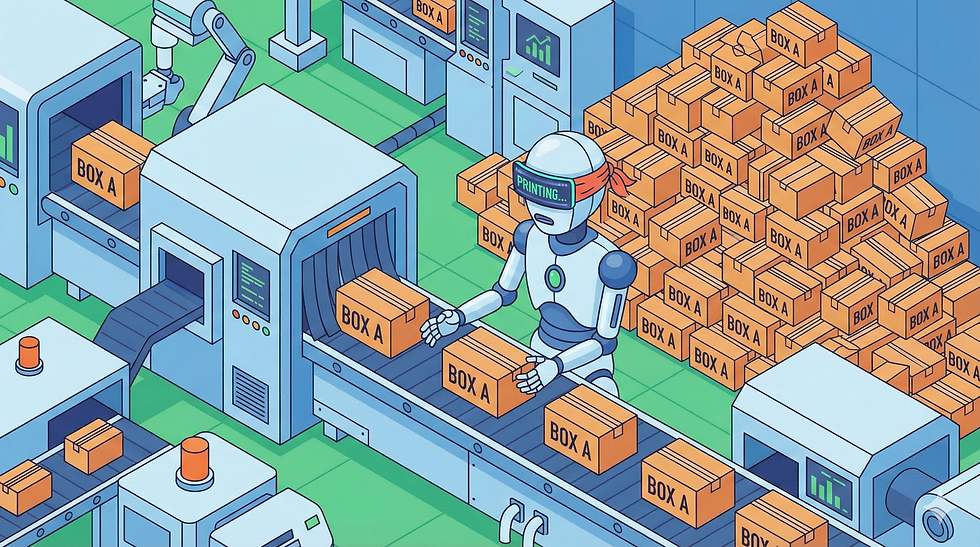
The Symptom: You have five different functions in five different files that all do slightly different versions of "Format Date." The AI didn't know you already had a helper class, so it just wrote a new one every time.
The Cost: DRY (Don't Repeat Yourself) is dead. When you need to change the date format, you have to find and fix it in 50 places.
The Fix: From "Code Generation" to "Code Stewardship"
You cannot ban AI (and you shouldn't). But you need to stop treating it like a Senior Engineer and start treating it like a wildly productive Intern. You need Guardrails.
1. Linter Rules as Law
If you don't enforce style, the AI will invent its own.
Action: Update your ESLint or Ruff configuration to be aggressive. Use rules that forbid specific patterns (e.g., no-magic-numbers, max-lines-per-function).
Pro Tip: Use tools like Knip to automatically detect unused exports and "dead code" that AI frequently leaves behind.
2. The "Context-First" Workflow
Don't just hit "Tab." Feed the AI your architecture first.
Action: If you use tools like Cursor or Copilot Chat, create a .cursorrules or Instructions.md file in your root. Explicitly tell the AI: "We use the Repository pattern. Do not put business logic in Controllers. Always check utils/ for existing helpers before writing new ones."
3. The "AI Code Review" Policy
Change how you review PRs.
The Rule: If a PR is >50% AI-generated, it requires two human reviewers.
The Check: Look specifically for "Zombie Code": code that looks valid but isn't actually called by anything. AI often adds "future-proofing" methods that you didn't request.
The New Skillset
The most valuable developer in 2025 isn't the one who can write code the fastest. It's the one who can edit code the best.
We are moving from "Authors" to "Editors." The AI provides the raw clay, but if you don't sculpt it, you end up with a pile of mud. Don't let Copilot ruin your codebase. Manage the mess.


Comments